Password Vault
Every browser profile has a built-in password vault (a password manager extension). It handles two kinds of credentials: platform accounts bound to the profile (for automatic sign-in), and new passwords you save on websites inside the profile (stored encrypted on this device). It has no page of its own in the client; it's prepared automatically when the profile starts, and its icon is pinned to the profile's browser toolbar.
The two-layer model
The two kinds of credentials are stored in completely different ways, and that's the key to this page:
| Credential type | Source | Where it's stored | Across devices |
|---|---|---|---|
| Platform accounts | Maintained on the client's Platform Accounts page and bound to the profile | Sent to the vault by the client every time the profile starts. Not written to local disk and not included in the cloud-synced profile data | Sent again whenever the profile starts on any device, so always available |
| Passwords saved in the profile | Saved when you sign in on a website inside the profile | The local encrypted vault (encrypted storage on this device, separate for each profile) | Stays on this device only. Not uploaded to the cloud and not moved to other devices |
Automatic sign-in with platform accounts
When a profile starts, the client loads its bound platform accounts into the vault; when you visit the matching platform's login page, the vault fills them in and signs you in. Because they're sent again on every start, any change you make to a platform account in the client takes effect the next time the profile starts.
Automatic sign-in with platform accounts isn't affected by the profile's "Passwords/Forms" data sync switch; it always works.
Passwords saved in the profile
When you sign in on a website inside a profile, you can save the new password to the vault. Entries support a name, multiple URIs, username, password, TOTP, notes, custom fields, favorite, re-prompt, and folders. A password generator history is also kept.
Trash
Deleted local passwords go to the trash and are purged automatically after 30 days.
Passwords saved in a profile are kept only on this device and never uploaded to the cloud:
- Deleting a profile also deletes its local password vault, and the client has no recycle bin to recover it (see Profile List Management).
- When you open the same profile on another device, the data restored from the cloud doesn't include these saved passwords; they don't move over.
Store important credentials as Platform Accounts so they're managed centrally, rather than only inside a profile.
How it relates to the "Data Sync" switches
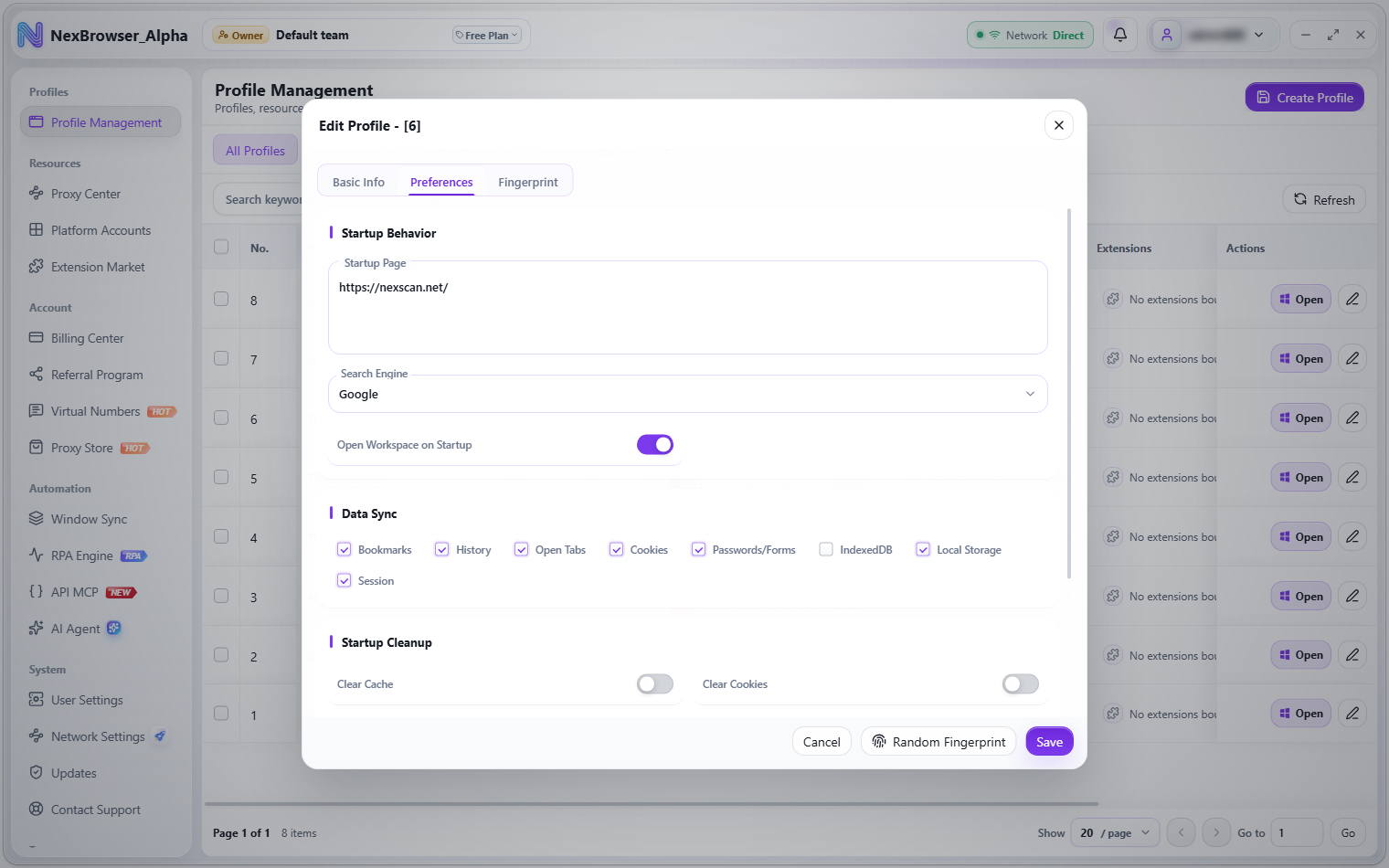
The checkboxes under the profile's Preferences → Data Sync control what's included in the profile's cloud sync (see Preference Settings). Their effect on the vault:
| Switch | Effect on the vault |
|---|---|
| "Passwords/Forms" | Only controls whether the browser's own saved passwords and form autofill data are cloud-synced with the profile. It doesn't affect the vault itself |
| "Cookies" | When turned off, the vault extension can't sync this profile's cookies |