Contact Support
If you hit a problem you can't solve on your own, you can contact support directly from the client. This page explains where to find support and how it works.
Check the FAQ first
Most common issues (a profile won't open, a button is grayed out, a top-up hasn't arrived, and so on) are already answered in the FAQ. Checking there first is usually faster than waiting for a reply.
Opening a support chat
Open System → Contact Support. The page loads the support chat right inside the client (you'll see "Loading support page" while it loads), so there's no need to open a separate browser. If the page fails to load, the client reloads it once automatically.
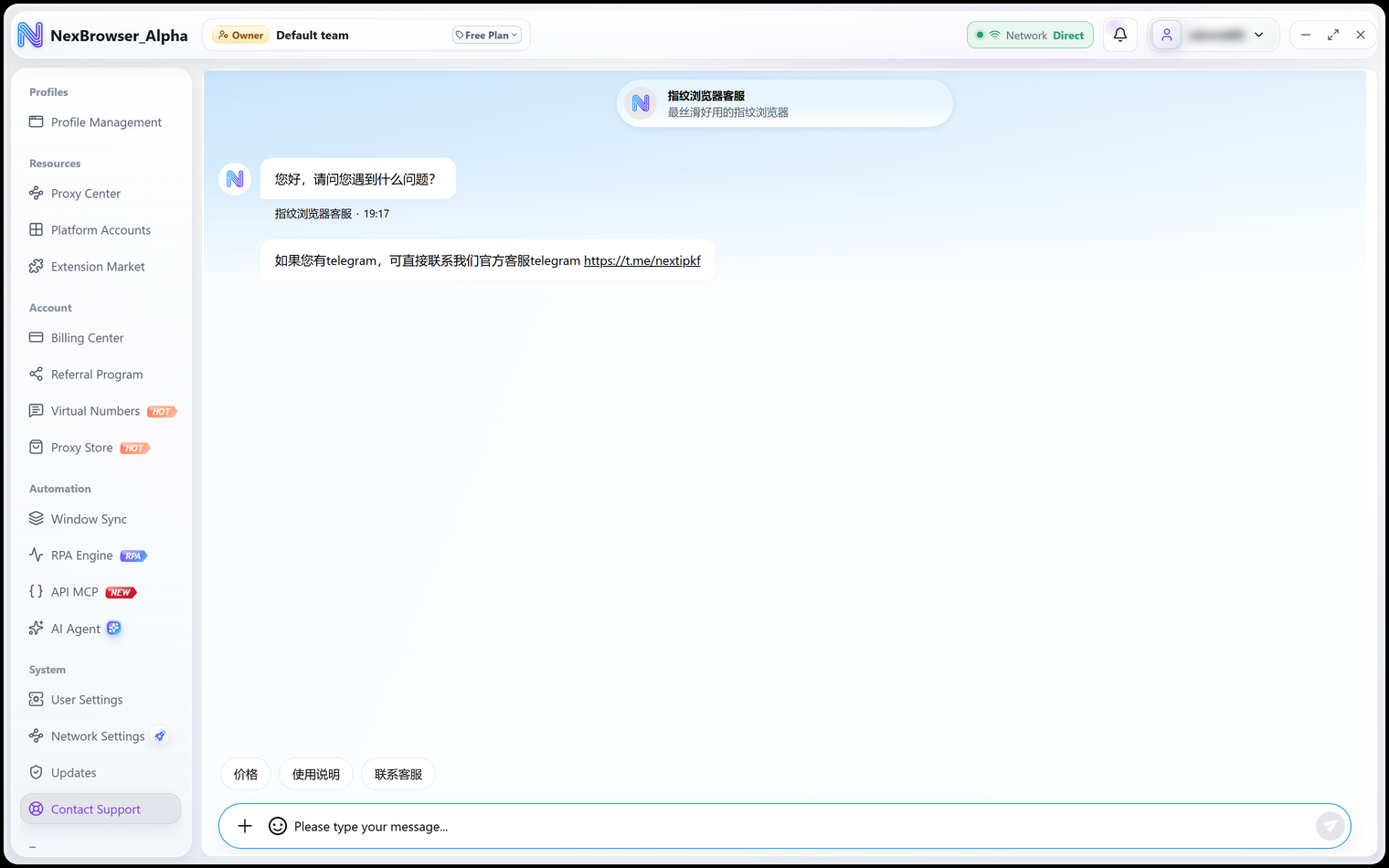
When the support page opens, it passes your account identifier along, so the support team can recognize your account without asking for your email or ID. The support chat stores its data separately and never mixes it with browser profile data.
What "Support link not configured" means
The support address is configured by the platform. If the page shows "Support link not configured" and "Ask your administrator to configure it and try again.", the platform hasn't set up the support address yet. This isn't a problem on your computer; once it's configured, reopen the page.